
Budget-Friendly Ways to Boost Your Home Wi-Fi – A Simple UK Guide
Fix slow WiFi and boost coverage with affordable solutions. No expensive overhauls needed!
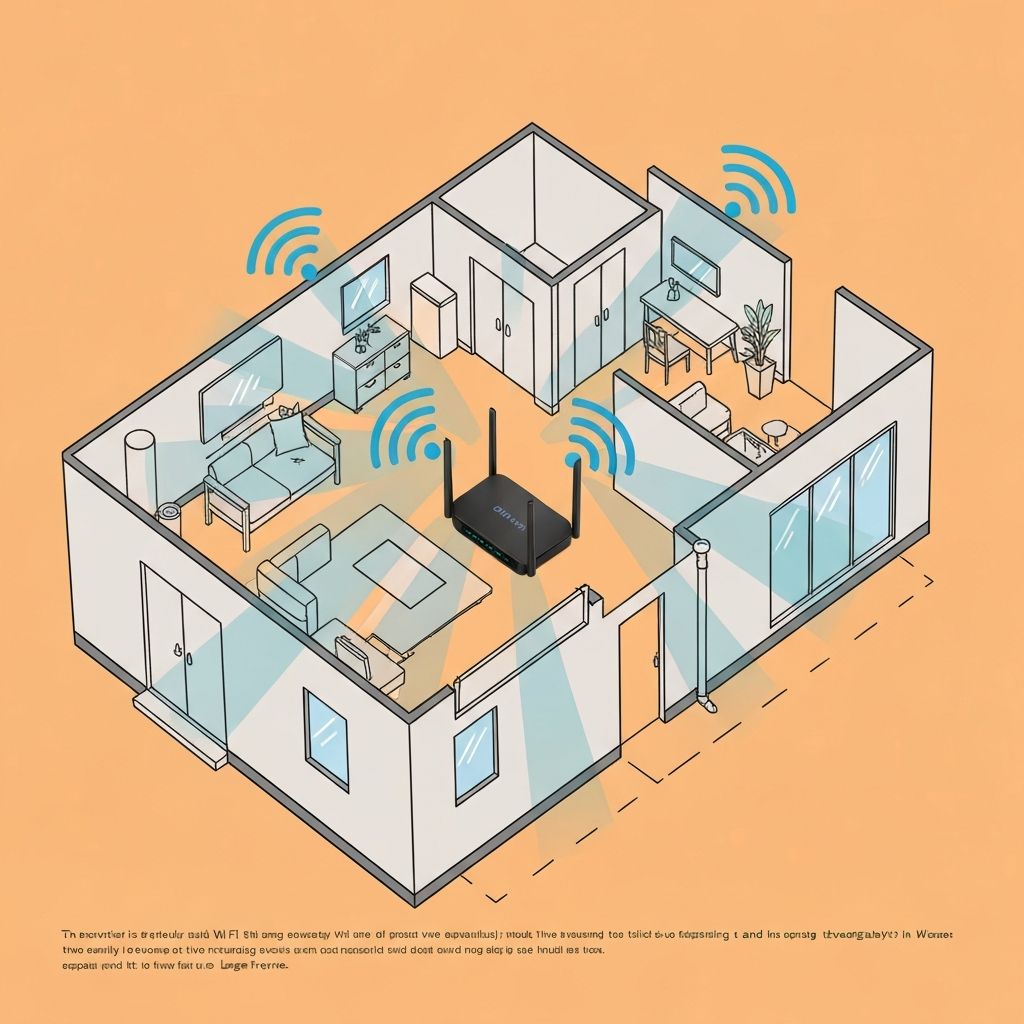
Your Quick Start Playbook for Budget-Friendly UK Wi-Fi
We've all been there: the Netflix queue stalls, the game lags, or the Wi-Fi just won't reach the back bedroom. Ofcom still reports that over 60% of UK homes struggle with coverage or speed, yet most of the fixes are surprisingly inexpensive.
1️⃣ Diagnose First – Know the Problem
| What to Check | Why It Matters | How to Do It |
|---|---|---|
| Signal Strength | Weak spots are often due to walls, metal, or interference. | Use the Wi-Fi Analyzer app (Android) or NetSpot (iOS). |
| Speed Test | Compare your real speed to the advertised ISP speed. | Run a test on Speedtest.net or Fast.com at different times of day. |
| Interference Sources | Microwaves, baby monitors, cordless phones all eat bandwidth. | Visually inspect the room and note any appliances that turn on during buffering. |
Tip: Keep a log of when symptoms occur—this will help you target the culprit.
2️⃣ Smart, Low-Cost Hardware Upgrades
New Router (Dual-Band)
Examples: TP-Link Archer C7 (£30–£35) or Netgear R6700 (£40)
Why it helps: 802.11ac, two bands, fast enough for 1 Gbps plans.
Second-hand Router
Price: On eBay or Facebook Marketplace (£10–£20)
Why it helps: Same hardware, used condition.
Mesh WiFi Kit
Examples: TP-Link Deco S4 (£80–£100) or Amazon Eero 6 (£120)
Why it helps: Whole-home coverage, easy to add nodes.
WiFi Extender
Price: £15–£30
Why it helps: Quick fix for a single dead zone.
Powerline Adapters
Price: £25–£35 for a 2-pack
Why it helps: Uses your home's wiring—great for basements or upstairs rooms.
Pro-Tip: Look for routers with easy-setup overlays or Wi-Fi 6 support if you already have a 1 Gbps plan.
3️⃣ Fine-Tune Your Router Settings (No Extra Cost)
Channel Selection
Use the analyser app to pick a clear 2.4 GHz channel (usually 1, 6, or 11). Cuts cross-talk.
Enable 5 GHz
Turn on dual-band mode. Faster speeds for short-range devices.
QoS (Quality of Service)
Prioritise Netflix, gaming, or work calls. Less buffering on important traffic.
Firmware Updates
Check the router's admin panel regularly. Security patches + performance tweaks.
No money spent, instant performance lift!
4️⃣ Positioning Matters
- Centre of the Home: Maximises reach to all corners.
- High Shelf or Wall Mount: Reduces floor-level obstructions.
- Away from Interference: Keeps microwaves, cordless phones, and metal cabinets at arm's length.
Try moving the router a few feet—often you'll see a noticeable boost.
5️⃣ The Big Switch – Change Your Broadband Provider
Sometimes the bottleneck is upstream, not at home.
What You'll Gain:
- Higher advertised speeds (e.g., 2 Gbps)
- Cash-back or discounted bundles
- Better customer support
Use LoadsOfSavings.com to compare offers, read promo codes, and see which bundles include modern routers or mesh kits.
Quick Win: If your current ISP offers a 1 Gbps plan for the same price as your 500 Mbps, you'll instantly double your throughput—no new hardware needed.
6️⃣ Your 5-Minute "Wi-Fi Health Check" Checklist
- Test speed – compare to ISP's advertised rate.
- Scan for interference – note any appliances that trigger buffering.
- Check router location – centre, elevated, and isolated from metal.
- Update firmware – one-click update if available.
- If still laggy, consider: new dual-band router, mesh, or Powerline.
- If still laggy, compare ISPs – use LoadsOfSavings.com.
🎯 Final Takeaway
- •You don't need a £1,000 overhaul to enjoy a smooth home Wi-Fi experience.
- •A modest router upgrade, smart placement, and a quick tweak to settings can shave minutes off buffer times.
- •If your ISP is the culprit, switching may double your speed without touching the hardware.
👉 Ready to level up?
Check the best broadband deals and Wi-Fi-friendly routers/mesh systems here
Need help? Call our experts: 0208 151 4242